 Set Apart
CLEAN
Every supplied ingredient exactly matches the supported clean reference list. This applies only to that text, not the whole product, its manufacturing process, or certification.
Public alpha · Tester guide
Start with manual entry. Learn what each verdict means, try the reference examples, and share what you notice.
Barcode and photo/OCR paths are demo-only. They do not verify a real barcode or read your package. Manual entry is the meaningful test path today.
On your first visit, choose Get Started. Open the Settings tab and set Strict Mode OFF for the first four examples below. Review Save Scan History before entering text; saving is on by default when no preference exists.
From the home screen, select Enter Ingredients Manually, or use the direct manual-entry link.
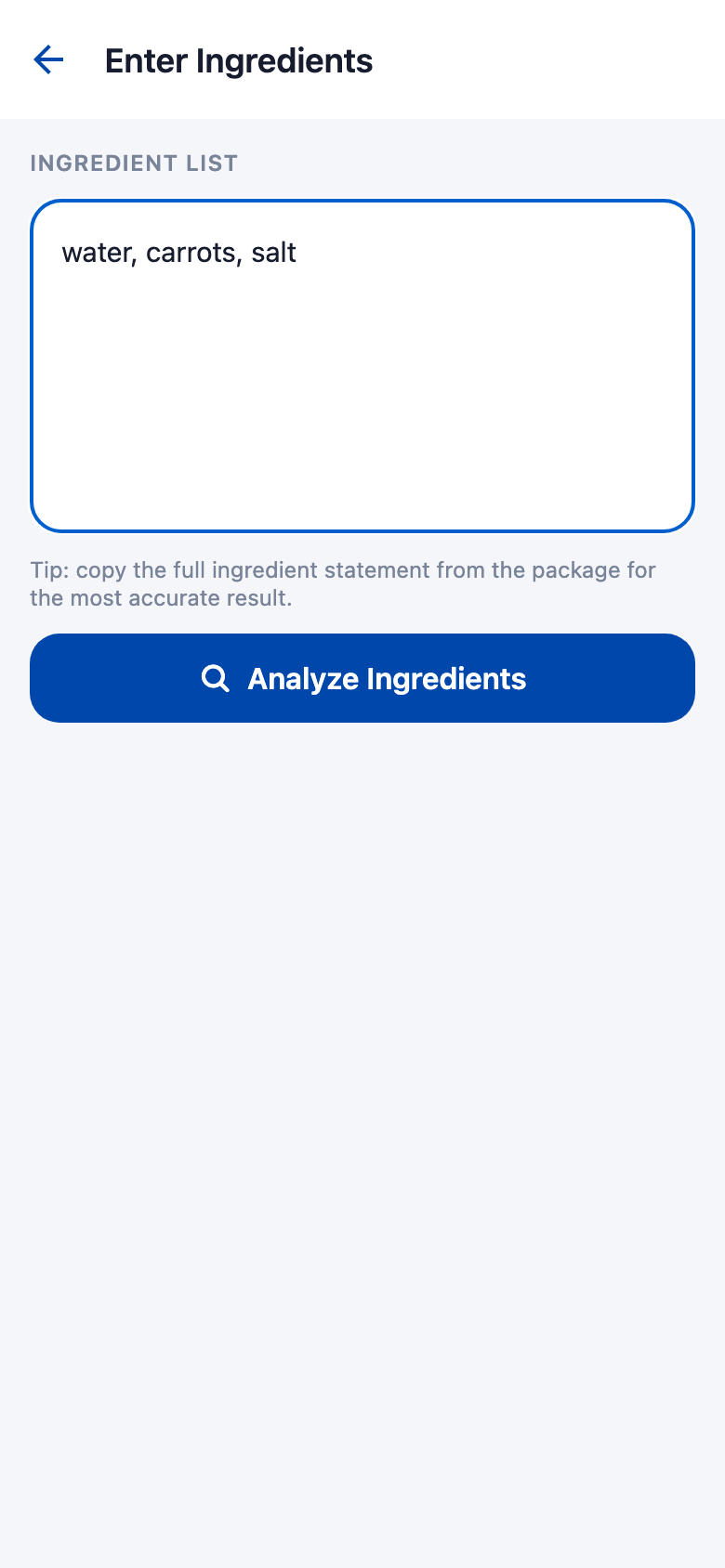
Type or paste into Ingredient List. For a first test, use water, carrots, salt. For a real label, include the whole ingredient statement, not just the “Contains” declaration. Do not remove unfamiliar ingredients to obtain a clean result.
Read the verdict and Why this result. Review Flagged Ingredients, Unresolved evidence when shown, and Ingredients Checked. Confirm that the text being checked matches what you entered.
Use Check Another Label on the result screen to return directly to manual entry. Or use Done to return home.
The result describes the supplied text under the current rules and your preference. It is not independent product verification.
Every supplied ingredient exactly matches the supported clean reference list. This applies only to that text, not the whole product, its manufacturing process, or certification.
An ingredient matches a current Not Clean rule, or Strict Mode applies your avoidance preference to recognized ambiguity. Some rules are provisional avoidance policies. Read each reason; the headline alone is not proof of an animal source.
A recognized ingredient has an unresolved source that may be plant, microbial, or animal. With Strict Mode off and no other blocking evidence, the app asks you to investigate rather than assume.
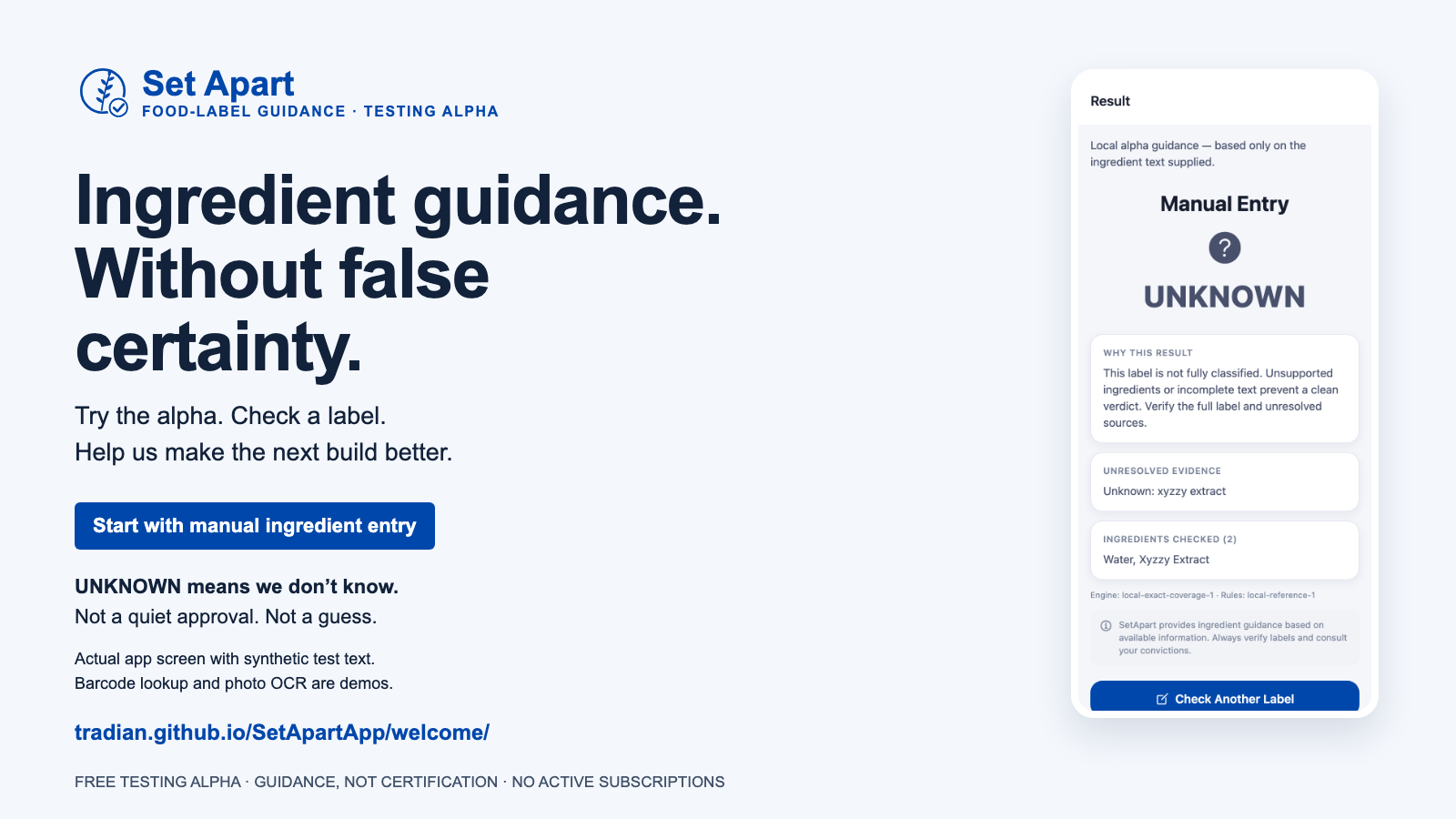
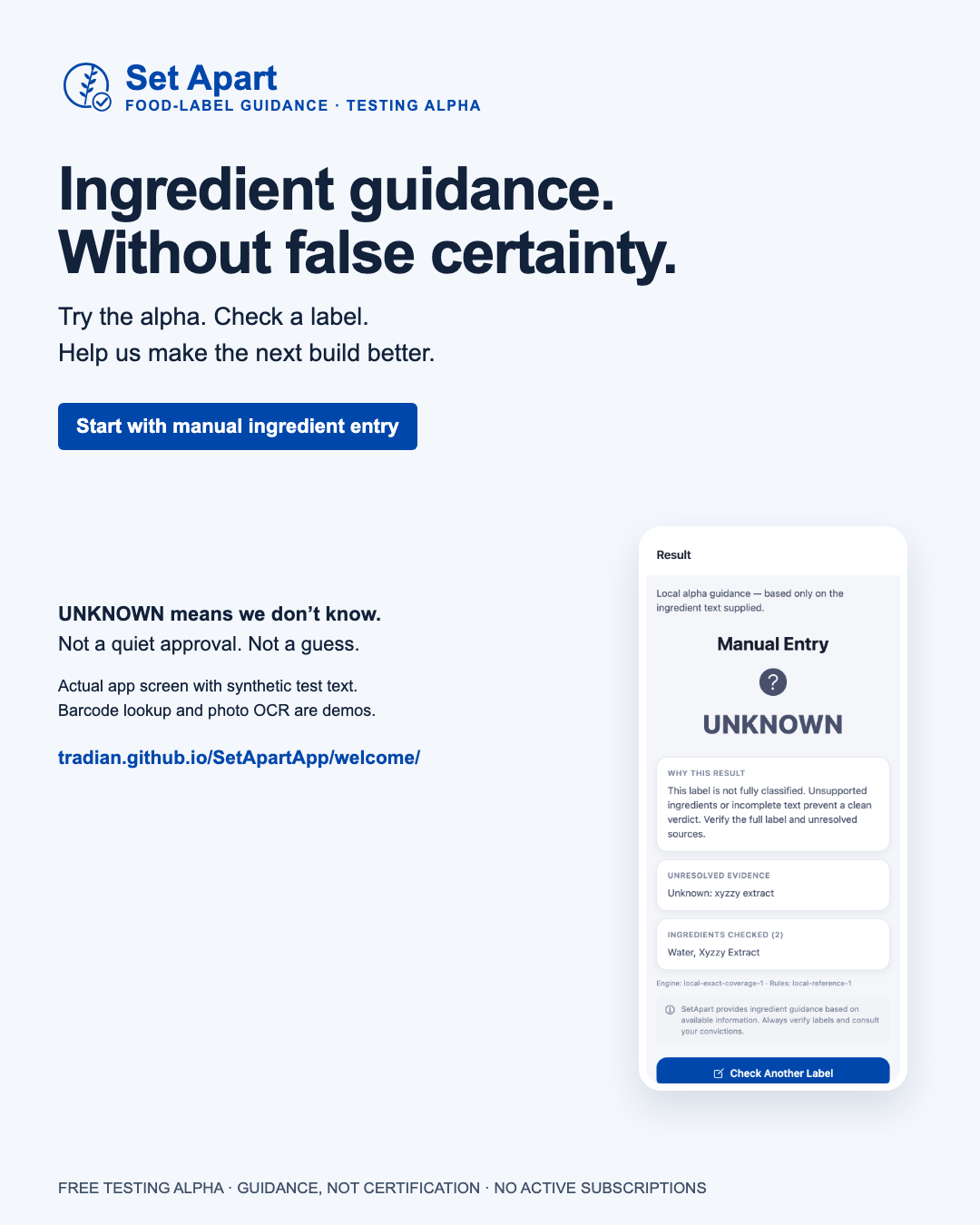
The text is unsupported, incomplete, or otherwise not fully classified. The narrow vocabulary means many real labels land here. UNKNOWN never means clean.
A NOT CLEAN result can still contain unresolved ingredients. Read the whole explanation and evidence, not just the verdict word.
Set Strict Mode OFF, then enter each line separately and compare. These are regression examples for the alpha, not recommendations about what to eat.
water, carrots, saltSupported clean terms only. The verdict applies to the exact text supplied.
porkA direct match under the current Not Clean rules.
oats, natural flavors, salt“Natural flavors” has an unresolved source. This expected result requires Strict Mode OFF.
water, xyzzy extractSynthetic test text, not food. The unsupported phrase must remain unresolved.
If your result differs, keep the exact text and Strict Mode setting in your feedback. Do not edit the evidence to match the expected verdict.
Use one app tab while testing privacy preferences. Close other SetApart tabs before deleting history; cross-tab coordination is not implemented.
It treats recognized source-ambiguous ingredients as Not Clean by your avoidance choice. It does not establish their source, classify unknown ingredients, or make the app more certain.
Check the setting before comparing results, then run a new analysis. Include the setting when reporting an issue.
The “Show Scripture References” setting is marked coming soon; do not expect it to change explanations yet.
In Settings → Save Scan History, turn saving off to stop new history entries. Turning it off does not delete existing history. To remove saved entries, choose Settings → Delete saved history, then confirm. This also clears temporary results in the current tab; new entries can still be saved if saving remains on. Cloud backups are not live.
If a preference fails to load or save, new history is paused in that session. Use the offered Save Off or Save On retry and resolve the error before leaving; the pause may not survive restarting.
Avoid sensitive or personal text. New result links do not include ingredient text. Temporary results expire after refresh or closing the app; reopen saved History or enter the label again. Older alpha links may still contain text in browser history or bookmarks. Deleting app history does not remove those older links or copied notes. Inspect links and screenshots before sharing. Read the in-app privacy policy.
The purpose of this round is to find unclear wording, unsupported ingredients, unexpected results, and broken flows.
Barcode lookup and photo/OCR scanning use sample data. They are not real product verification or working text recognition. Paid subscriptions and cloud backups are not live.
Ingredient coverage is limited, fuller context-aware rules remain unfinished, and some current rules use provisional avoidance policies.
Do not use these verdicts for medical, allergy, or food-safety decisions. Read the physical label and verify unresolved sources with the manufacturer. The app does not provide independent certification or replace your own study and discernment.
Share your notes and screenshots directly with the person who invited you to test. Remove personal information first.
The app’s feedback screen helps you prepare a note. Fill in the template and choose Copy prepared note, then paste it into a message to your inviter. Nothing is submitted automatically, and receipt is not tracked.
If automatic copy is unavailable, select and copy the Prepared note manually. Your draft stays during in-app navigation, but reload or closing the app clears it; copy your note before leaving.
Open a resource now or save a copy. All of these are also linked from the app’s tester resource hub.
One-page introduction · PDF
One-page testing companion · PDF
Wide-format invitation · PNG
Vertical-format invitation · PNG